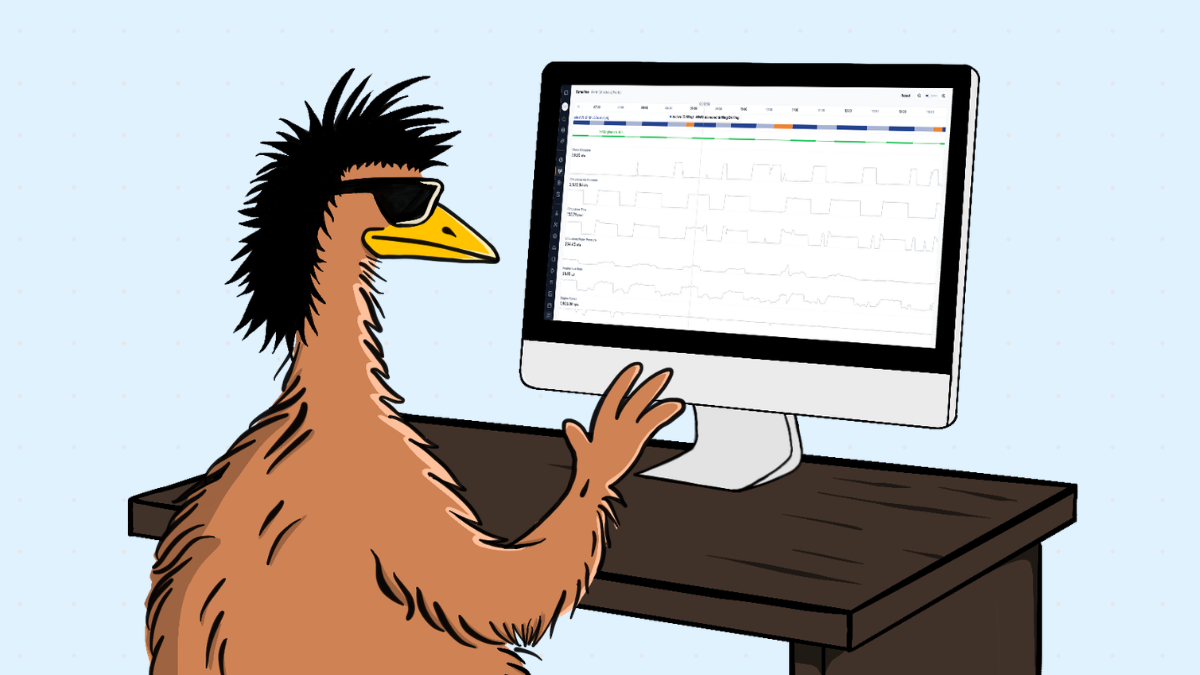
CorePlan's Drilling Command Centre is a live operational view inside Drilling Hub. It shows what every active rig is doing during the shift, using Plod drafts saved by drillers and optional Measure While Drilling (MWD) sensor data feed from the rig.
Supervisors can see the latest activity, current hole, metres drilled and average penetration rate across their projects. They can identify which rigs need attention while there is still time to act, reducing status calls, texts and trips between sites.
Most supervisors are still managing the shift with yesterday's information A supervisor managing several rigs across different sites needs to know how each one is tracking now.
Which rigs are drilling? Which one has been on standby longer than expected? Has a breakdown stopped the shift? Is one rig falling behind while the rest are turning?
For many contractors, the answers arrive only after the shift is over, once the final Plod is submitted. Until then, the supervisor is calling drillers, chasing messages or driving between sites to build a picture of the shift.
Some contractors already collect powerful rig sensor data, but it's hard to put to use. It sits in a vendor tool no one logs into, or on a USB stick waiting for someone technical to line it up against the Plod. By then, the shift's over and the moment to act has often passed.
Command Centre brings the shift into one operational view In the Command Centre, every active rig appears in one place, right inside the same system your supervisors and ops managers already check daily. Activity shows up in two ways.
Plod drafts saved during the shift
As drillers save Plod drafts, Command Centre updates with the latest recorded activity. The Plod-fed view is included on all Drilling Hub plans and does not require sensor hardware.
MWD sensor data from the rig
MWD is an add-on that brings data from supported rig sensors into the same view sitting beside driller-created Plods. Your Plod tells you the driller's side. Your sensors complete the story with engine and drill parameters. Providing stronger evidence for troubleshooting, performance analysis and billing.
What you can actually do with the Drilling Command Centre 1. See how every rig is tracking during the shift Command Centre gives supervisors one place to check rigs time usage across multiple projects, no matter the physical distance.
Teams can set up monitors in the office and watch their rigs turn live without stepping out the door, reducing status calls and trips to site.
2. Spot issues while there is still time to act Long standby, breakdowns and slow progress are easier to respond to when they become visible during the shift.
A supervisor can identify which rig has stopped, contact the right crew and understand whether support is needed. This visibility shows where attention can make the biggest difference.
3. Find the gaps that affect metres, schedules, and profit margin Review the Plod alongside engine activity. If a Plod shows drilling stopped at 6 pm but the engine switched off at 4:30 pm, Command Centre surfaces a 1.5-hour gap for the team to investigate.
Across multiple rigs and shifts, gaps like this can reveal lost drilling time, scheduling issues or missing Plod context that affects metres and margin. This potentially adds up to thousands of dollars over the course of a job.
4. Bill with evidence you can stand behind Questions about chargeable and non-chargeable time are harder to resolve when the only record is a Plod completed after the shift.
With MWD, machine data adds another source of evidence. Teams can check when an activity started, how long it lasted and whether the Plod reflects what happened on the rig.
That clearer data trail can reduce back-and-forth, support more accurate invoicing and help accounts teams bill with greater confidence.
It fits into the workflow your team already uses Command Centre lives inside Drilling Hub, where supervisors access it through their existing login and daily workflow.
Live Plod updates, optional MWD evidence and existing cost data provide operational and financial context in one place. Supervisors can manage the current shift while the business builds a stronger record for billing and performance review.
Command Centre with Plod drafts is included on all Drilling Hub plans. MWD sensor integration is available as a paid add-on.
Want to see it in action? Check out the Drilling Command Centre to learn more or book a demo.
Frequently asked questions What is the Drilling Command Centre? The Drilling Command Centre is a live operational view inside Drilling Hub. It shows what every active rig is doing during the shift, including the latest activity, current hole, metres drilled and average penetration rate.
Is Command Centre included with Drilling Hub? Yes. The Plod-fed Command Centre is included on all Drilling Hub plans and works through Plod drafts. MWD sensor integration is a paid add-on.
What is the difference between the Plod-fed Command Centre and MWD? The Plod-fed view shows activity recorded in draft Plods. MWD adds sensor readings from the rig, giving supervisors machine activity alongside the Plod context.
Does MWD work with our existing rig sensors? Most likely. CorePlan is built to be hardware‑agnostic, so we can often integrate with the sensors you already have on your rigs. If your vendor isn’t on our current supported list, share your sensor details with the CorePlan team and we’ll confirm compatibility and the best integration pathway before you commit.
What happens when a rig is offline or underground? Command Centre needs an internet connection to receive new data. If a driller is offline or underground, Plod data becomes available after the device reconnects and the data syncs.
.png)






.svg)


